Blog
How to Keep Your Phone Cool: Gaming, Streaming, Filming & Summer

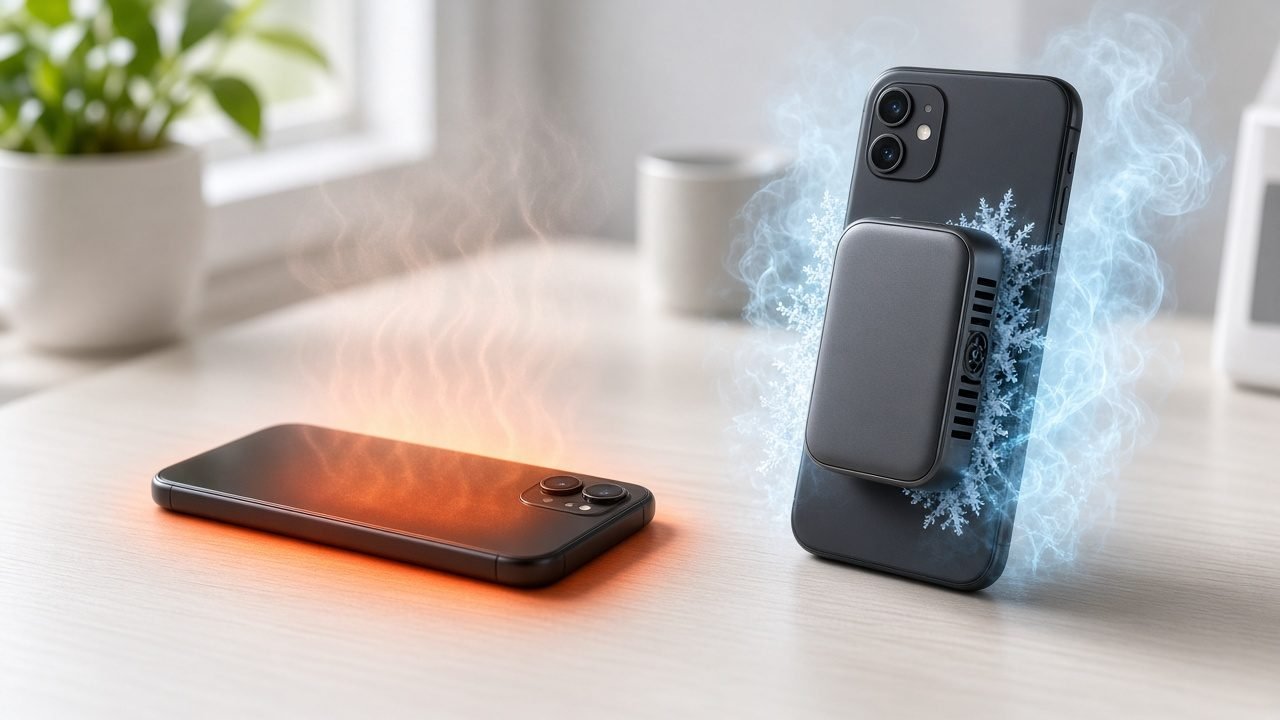
Quick answer: To keep your phone cool, reduce the load that creates heat, keep the phone out of direct sun, avoid charging while it is working hard, and give it airflow. For long gaming sessions, livestreams, video recording, or outdoor use in hot weather, a magnetic phone cooler draws heat away from the back of the phone so it can hold its performance for longer.
Knowing how to keep your phone cool matters most when you push it hard: a ranked match at home, a two-hour livestream, a day of filming outdoors, or simply using maps and camera under a summer sun. Each scene heats your phone in a different way, so the best fix is different too. This guide walks through the four most common scenes and explains why your phone heats up, what you can do about it, and which type of phone cooler for gaming and streaming, filming, or outdoor use fits best.
How to Keep Your Phone Cool: Quick Tips for Every Scene
- Gaming: use stable graphics settings, close background apps, and add active cooling for long sessions to reduce heat buildup.
- Livestreaming: run a wired cooler for the whole stream, keep the phone on a tripod with open airflow, and avoid stacking heavy apps in the background.
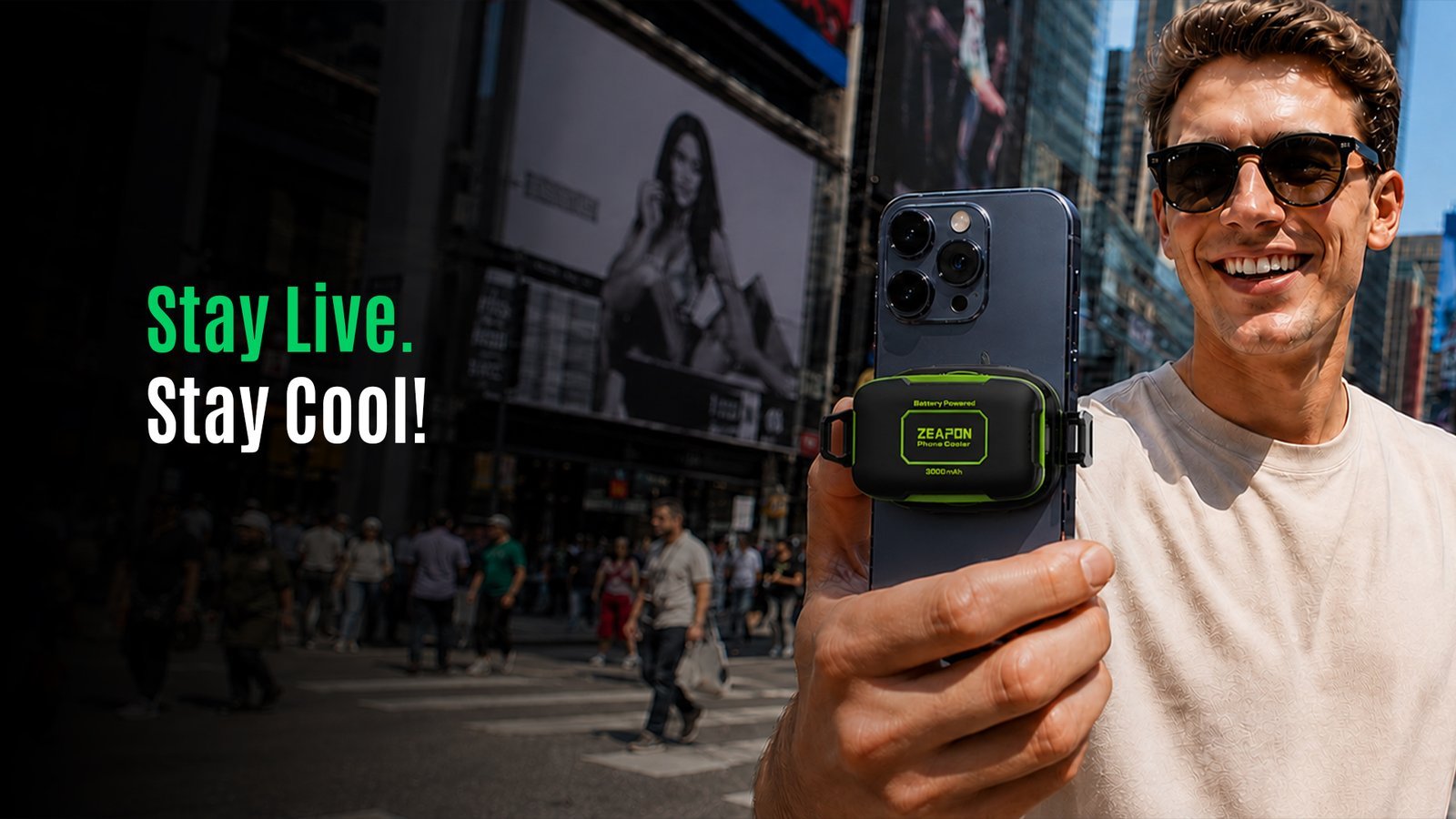
- Mobile shooting: choose only the resolution and frame rate you need, shade the phone between takes, and use a cordless cooler when you are away from power.
- Hot weather: keep the phone out of direct sun and hot cars, lower brightness, avoid charging in the heat, and use a battery-powered cooler outdoors.
- All scenes: never cool a phone in a fridge or freezer. If your phone shows a temperature warning, stop and let it cool down.
Why Does Your Phone Heat Up in Different Situations?
Your phone gets hot when it produces heat faster than it can release it. The processor, graphics chip, display, camera, cellular radio, and battery all create heat while they work. What changes from scene to scene is which parts are busy, how long they stay busy, and how hot the air around the phone is.
When the temperature climbs too high, the phone protects itself by slowing down (thermal throttling), dimming the screen, pausing charging, or showing a temperature warning. We cover these effects in detail in our guide on what happens when your phone gets too hot. Here we focus on preventing that heat in real-world situations.
How to Keep Your Phone Cool While Gaming

Why does your phone get hot when gaming?
3D mobile games keep the CPU and GPU running near their limits for long periods, often with a bright screen, high refresh rate, and constant network activity. The heat builds up gradually, which is why the first match often feels smooth and later matches start to stutter as the phone throttles. Charging while playing and holding the phone tightly in your hands add even more heat.
Practical tips to reduce heat buildup during long sessions
- Pick settings your phone can sustain. A steady frame rate at medium graphics often feels better than maximum settings that throttle after a few matches.
- Close background apps so the processor only works on the game.
- Avoid charging while you play when possible, or use a cooler that supports cooling while charging.
- Remove thick cases that trap heat against the back of the phone.
- Play somewhere cool with good airflow instead of on a bed or sofa cushion.
Which phone cooler is best for gaming?
For gaming, look for semiconductor (TEC) cooling, which actively draws heat from the phone rather than just moving air across it. If you play at a desk with power nearby, a wired cooler can run for the whole session: the ZEAPON TH12 32W AI Magnetic Phone Cooler and the more powerful ZEAPON TH28 42W AI Magnetic Phone Cooler both use AI temperature control and show temperature and power in real time. If you prefer to play without a cable, the ZEAPON JS85 Battery Powered Magnetic Phone Cooler has a built-in 3000mAh battery, a 12N magnetic attachment, up to 80 minutes of high-performance cooling in L2 Boost Mode, and supports cooling while charging.
How to Keep Your Phone Cool While Livestreaming
Why does a phone overheat during a livestream?
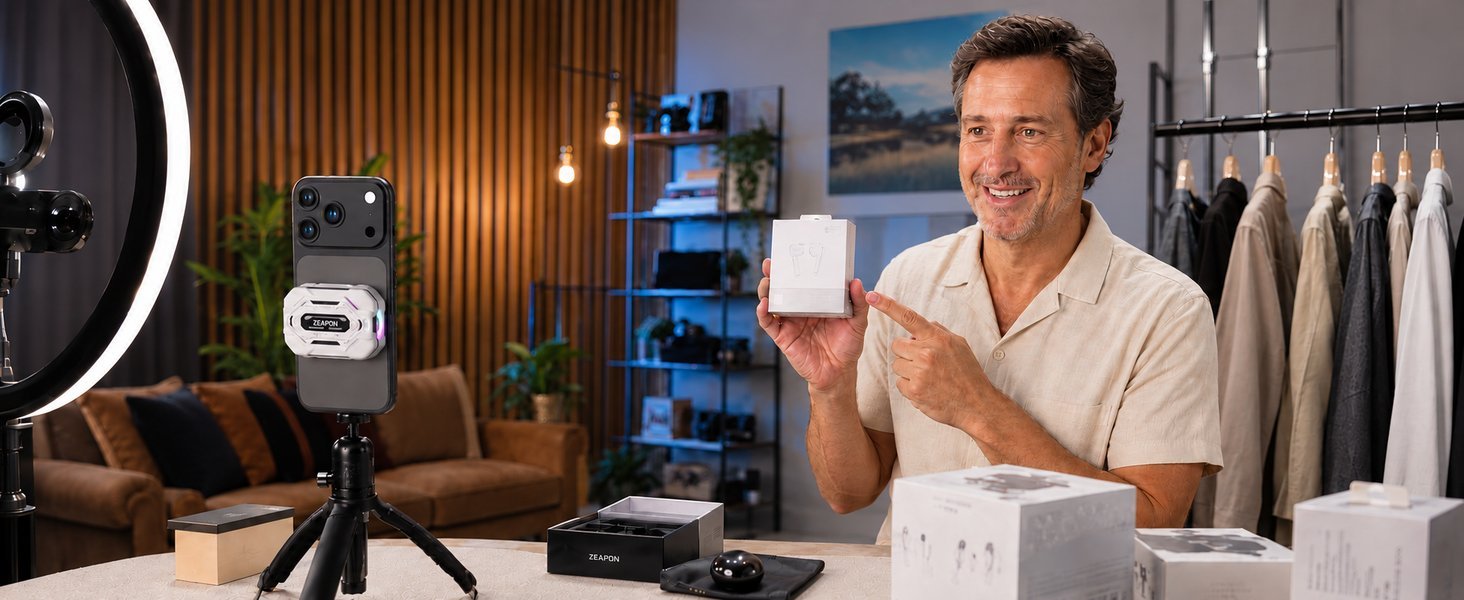
Livestreaming is one of the heaviest jobs you can give a phone. The camera, image processing, video encoder, screen, and upload connection all run at the same time, often for hours. Many streamers also keep the phone plugged in, which adds charging heat, and ring lights or a warm room make it harder for the phone to release that heat. The result can be dropped frames, a lower stream quality, or a stream that stops when the phone gets too hot.
Tips to keep your phone running smoothly on long streams
- Mount the phone on a tripod or stand so air can reach the back of the phone.
- Use a stable Wi-Fi connection where possible, since a weak signal makes the radio work harder.
- Stream at the quality you actually need rather than the highest setting available.
- Turn off unused features such as Bluetooth, GPS, and background syncing.
- Keep lights and other warm equipment a little away from the phone.
What is the best phone cooler for livestreaming?
For long streams, a wired (USB-C plug-in) cooler is usually the best fit because it keeps working for as long as the stream does. The TH12 offers magnetic, clip-on, and tripod mounting and four cooling modes. The TH28 adds a larger 33cm² cooling surface, 100-level stepless adjustment, and handheld gimbal mounting, which suits demanding setups. For a simpler setup, the ZEAPON RS2 Smart Magnetic Phone Cooler combines AI temperature control, a real-time temperature and power display, three cooling modes, and an optional clip-on mount.
How to Stop Your Phone Overheating While Recording Video
Why does your phone overheat while recording video?
Phone overheating while recording video is common because the camera sensor, image processor, stabilization, and video encoder all work continuously. High resolutions, high frame rates, and HDR increase the load. When you shoot outdoors, sunlight on the screen and back of the phone adds even more heat. Long camera use can lead to the phone dimming its screen, disabling the flash, or stopping a recording to protect itself.
Tips for recording video and long camera use outdoors
- Choose the resolution and frame rate you need. Recording in the highest mode for every clip creates more heat and larger files.
- Shade the phone between takes and avoid leaving it on a hot surface in direct sun.
- Record in shorter clips instead of one very long take when possible.
- Carry a power bank but avoid charging and recording in full sun at the same time.
- Close other apps and turn on airplane mode if you do not need a connection while filming.
Which cooler fits mobile shooting?
When you move around while filming, a cordless cooler is the most practical choice because there is no cable to get in the way of your shot. The ZEAPON P40S 4000mAh Cordless Magnetic Phone Cooler (also available in yellow) uses a built-in 4000mAh battery for up to 90 minutes of high-performance cooling in L2 Boost Mode, and it supports direct wired operation for extended use. It combines TEC semiconductor cooling, AI temperature control, a 7000 RPM fan, and a 12N magnetic attachment. If you film on a tripod or gimbal near power, the TH28’s tripod and handheld gimbal mounting options are also worth considering.
How to Keep Your Phone Cool in Hot Weather

Why do phones overheat outdoors in summer?
A phone cools itself by passing heat to the surrounding air. On a hot day that air is already warm, so the phone has much less room to shed heat, and direct sunlight heats the glass and frame on top of that. According to Apple Support, iPhone and iPad are designed for use at ambient temperatures between 0º and 35º C (32º to 95º F), and using a device in very hot conditions can permanently shorten battery life. Even light tasks like navigation, photos, or video calls can push a phone to its limits in summer.
Tips to keep your phone cool in hot weather
- Keep the phone out of direct sunlight and in a bag or pocket when you are not using it.
- Never leave your phone in a parked car or on a car dashboard on a hot day.
- Lower screen brightness or use auto-brightness, and turn on low power mode.
- Avoid charging outdoors in the heat. Charging adds heat, and many phones pause charging when they are too warm.
- Never use ice, a fridge, or a freezer to cool a hot phone. Condensation can damage the electronics.
What is the best phone cooler for outdoor use?
Outdoors you rarely have a power outlet, so a battery-powered phone cooler is the best phone cooler for outdoor use. The JS85 and P40S both run from a built-in battery and attach magnetically, so you can clip one on for a gaming break at the park, navigation on a hot day, or filming at an outdoor event. Choose the P40S if you want the larger 4000mAh battery, or the JS85 if you want a battery-powered cooler that also supports cooling while charging.
Scene-by-Scene Comparison: Which Phone Cooler Should You Use?
| Scene | Main heat cause | Best cooling approach | Recommended cooler type |
|---|---|---|---|
| Gaming at home | CPU and GPU under sustained load, bright high-refresh screen, charging while playing | Sustainable graphics settings plus active TEC cooling for the whole session | Wired (TH12, TH28) at a desk; battery-powered (JS85) for cable-free play |
| Livestreaming | Camera, encoder, screen, and upload running for hours, often while plugged in | Tripod mounting with open airflow and continuous cooling | Wired with real-time display (TH12, TH28, RS2) |
| Mobile shooting | Camera sensor, image processing, and stabilization, plus sunlight outdoors | Right resolution and frame rate, shade between takes, cable-free cooling | Battery-powered / cordless (P40S, JS85) |
| Hot weather | High ambient temperature and direct sunlight reduce the phone’s ability to shed heat | Shade, lower brightness, no charging in the heat, portable cooling | Battery-powered / cordless (P40S, JS85) |
Wired vs Battery-Powered Phone Coolers: Which Is Right for You?
Wired phone coolers plug in via USB-C and can run as long as they have power. They suit gaming at a desk and long livestreams, where continuous cooling matters more than portability. Battery-powered (cordless) phone coolers have a built-in battery, so you can use them anywhere without a cable. They suit mobile shooting, outdoor use, and hot weather, where freedom of movement matters more.
All the coolers in the ZEAPON range are magnetic phone coolers, so they attach and detach quickly as you move between scenes. If you want a compact, simple option for everyday use, the ZEAPON RS1 Magnetic Phone Cooler uses a 7-blade fan with low-noise operation, a dual-side vent design, an included clip, and RGB lighting.
Frequently Asked Questions About Keeping Your Phone Cool
How do I keep my phone cool while gaming?
Lower graphics settings to a level your phone can hold steadily, close background apps, avoid charging during long sessions when possible, play in a cool, shaded place, and remove thick cases. For long or competitive sessions, a magnetic phone cooler attached to the back of the phone helps draw heat away so performance stays more consistent.
Why does my phone overheat while recording video?
Recording video keeps the camera sensor, image processor, video encoder, and screen running at the same time. High resolutions, high frame rates, HDR, and stabilization add more load. Outdoors, sunlight heats the phone further, so it can reach its temperature limit and pause recording, dim the screen, or disable the flash.
What is the best phone cooler for livestreaming?
For long streams at a desk or on a tripod, a wired (USB-C plug-in) phone cooler is usually the best choice because it can run for as long as the stream lasts without a battery running out. Models with a real-time temperature display and tripod or clip mounting, such as the ZEAPON TH12 and TH28, make it easy to monitor your setup.
How do I keep my phone cool in hot weather?
Keep your phone out of direct sunlight, never leave it in a parked car, lower screen brightness, avoid charging outdoors in the heat, and take breaks in the shade. Apple says iPhone is designed for use at ambient temperatures between 0 and 35 degrees C (32 to 95 degrees F), so extra care is needed on hotter days. A battery-powered cooler helps when there is no power outlet nearby.
Should I choose a wired or battery-powered phone cooler?
Choose a wired cooler if you mostly game or stream in one place with a power source, since it can run continuously. Choose a battery-powered (cordless) cooler if you move around, shoot outdoors, or want to game without a cable. Some cordless models, such as the ZEAPON P40S, also support direct wired operation for extended use.
Is a magnetic phone cooler safe for my phone?
Magnetic phone coolers are designed to attach to the back of a phone and cool it from the outside. Follow the manufacturer’s instructions, make sure the cooler is attached securely, and avoid putting your phone in a fridge or freezer, as sudden temperature changes can cause condensation inside the device.
Key Takeaways
- Your phone overheats when it produces heat faster than it can release it, and each scene creates heat in a different way.
- Gaming heats the CPU and GPU over long sessions; sustainable settings and active cooling reduce heat buildup.
- Livestreaming runs the camera, encoder, and network for hours; a wired cooler on a tripod keeps it running smoothly.
- Recording video outdoors combines camera load with sunlight; a cordless cooler keeps you free to move.
- In hot weather, shade, lower brightness, and no charging in the heat matter most; a battery-powered cooler helps where there is no outlet.
- Choose wired coolers for fixed setups and battery-powered coolers for outdoor and on-the-go use. Explore the ZEAPON phone cooler range to find the right fit.