
Blog
What Happens When Your Phone Gets Too Hot? 4 Effects and How to Cool It Down

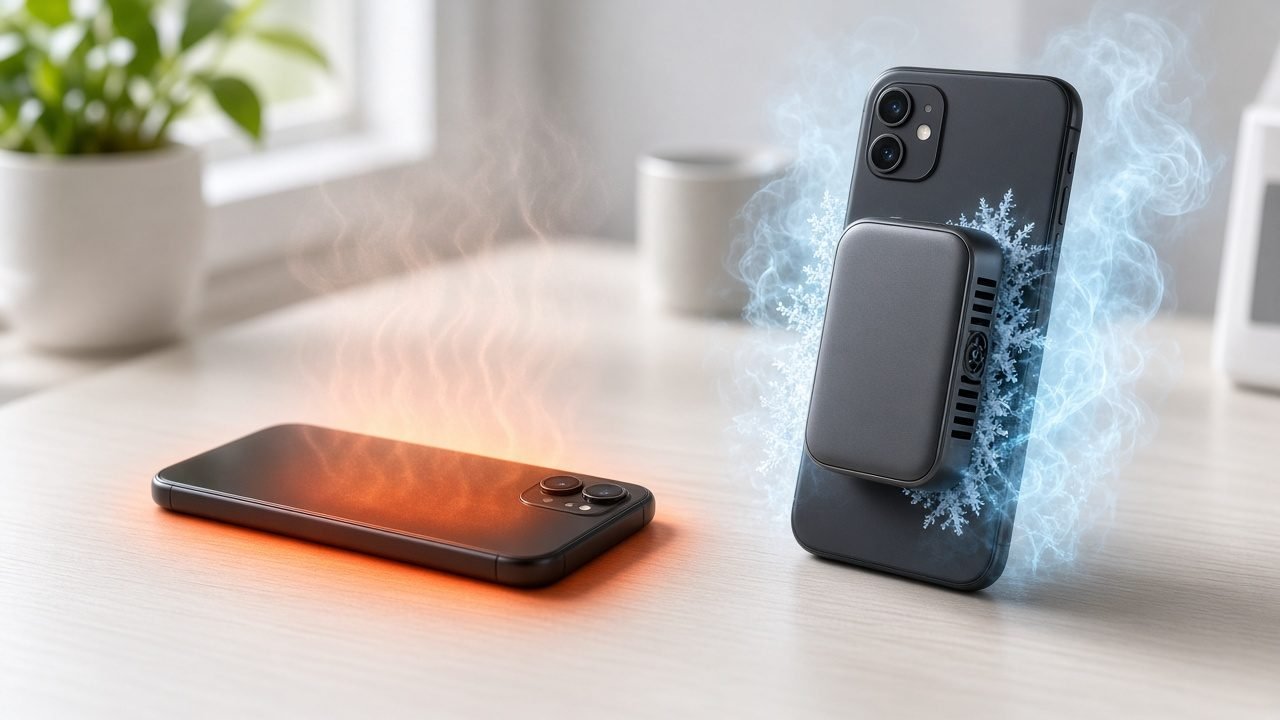
Quick answer: When your phone gets too hot, it protects itself by slowing down its processor (thermal throttling), which causes lag and lower frame rates in games. Heat also makes the battery drain faster and, over time, can permanently reduce battery capacity. A hot phone is also uncomfortable to hold, and in extreme cases it may dim the screen, pause charging, or show a temperature warning until it cools down.
Phone overheating is one of the most common complaints among mobile gamers, streamers, and anyone who uses their phone outdoors in summer. In this guide, we explain what happens when your phone gets too hot, why it happens, and the most effective ways to cool it down, from simple settings changes to using a dedicated phone cooler.
What Happens When Your Phone Gets Too Hot? The Short List
- Performance drops: the phone throttles its CPU and GPU to reduce heat, so apps open slower and the whole system feels sluggish.
- Battery drains faster: heat makes the battery work harder and, over months, speeds up permanent battery wear.
- Gaming gets worse: frame rates fall, touch response can feel delayed, and long sessions become less smooth.
- The phone gets uncomfortable: a hot back or frame is unpleasant to hold, especially during long gaming or video sessions.
- Protective features kick in: charging may slow or stop, the display may dim, and the camera flash may be disabled until the phone cools.
Why Does My Phone Get Hot?
Every phone produces heat. The processor, graphics chip, display, cellular radio, and battery all turn some of their energy into heat while they work. Normally the phone spreads that heat through its frame and glass and releases it into the air. Your phone gets hot when it produces heat faster than it can release it.
The most common causes are:
- Demanding games and apps: 3D games at high frame rates push the CPU and GPU close to their limits for long periods.
- Live streaming and video recording: the camera, video encoder, screen, and network connection all run at the same time.
- Charging while in use: charging generates heat in the battery, and using the phone at the same time adds even more.
- Hot environments: direct sunlight, a hot car, or summer weather make it harder for the phone to shed heat.
- Thick cases: a case can act like insulation and trap heat against the phone.
- Background activity: system updates, backups, GPS navigation, and weak signal can keep the phone busy even when you are not actively using it.
Apple notes that it is normal for an iPhone to feel warm during setup, software updates, wireless charging, graphics-intensive games, and high-quality video streaming. According to Apple Support, iPhone and iPad are designed for use at ambient temperatures between 0º and 35º C (32º to 95º F). Using a phone in very hot conditions can permanently shorten battery life.
The 4 Main Effects of Phone Overheating
1. Performance Drops: What Is Phone Thermal Throttling?
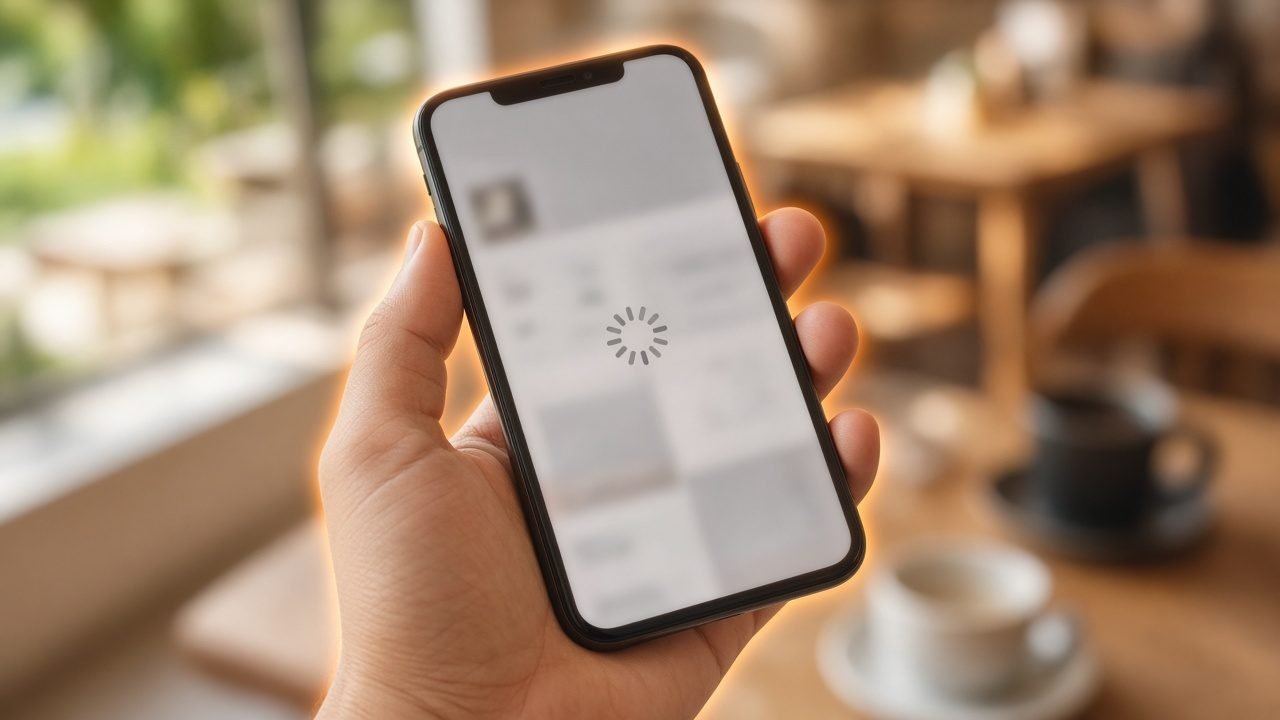
Thermal throttling is a built-in safety mechanism that lowers the speed of your phone’s processor and graphics chip when internal temperatures get too high. Less speed means less power, and less power means less heat.
Throttling protects the chip and other components, but you feel it as a slower phone. Apps take longer to open, scrolling can stutter, and heavy tasks like photo editing or video exports take more time. Because throttling is controlled by temperature, the effect often appears gradually: your phone may feel fast for the first few minutes of a game, then slow down as it heats up.
2. Battery Drains Faster: Does Heat Damage Phone Batteries?
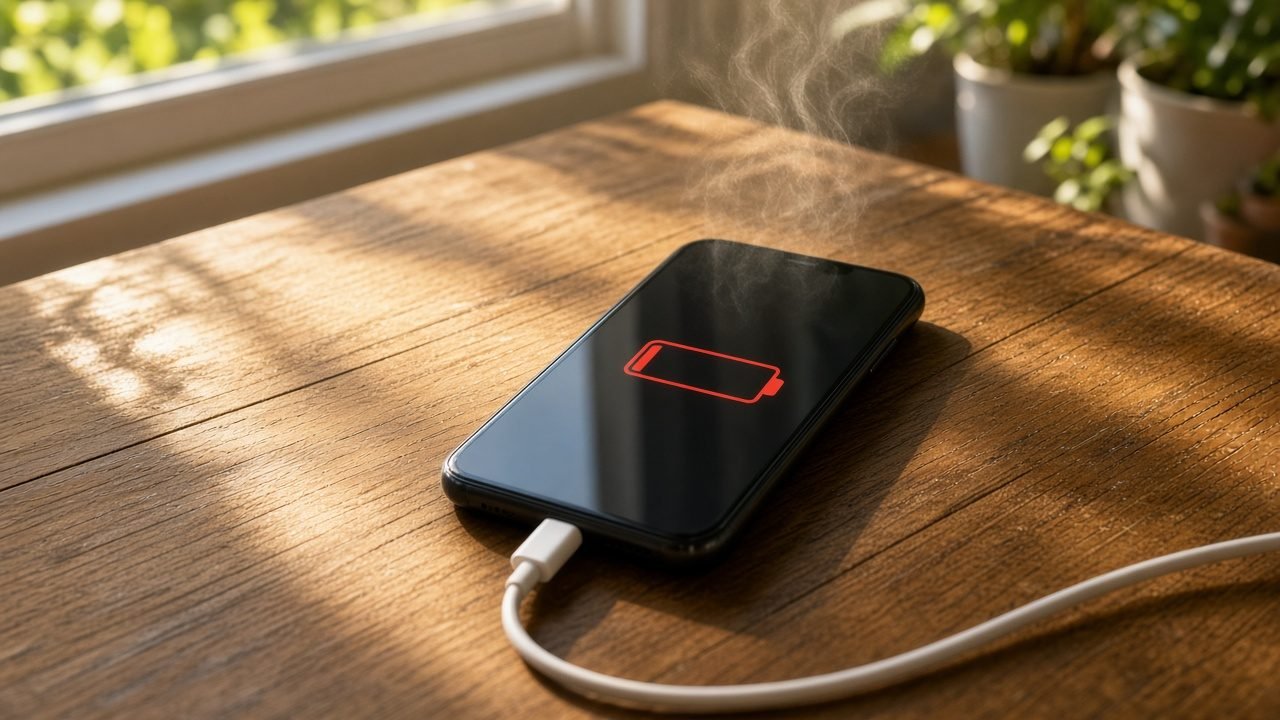
Yes. Heat is one of the main enemies of lithium-ion batteries, the type used in almost every modern smartphone. There are two separate effects:
- Short-term drain: the tasks that make a phone hot, such as gaming, streaming, and bright screens, are the same tasks that use the most power. A hot phone is usually a phone that is burning through its battery quickly.
- Long-term wear: high temperatures speed up the chemical aging inside a lithium-ion battery. Over time, this reduces the maximum capacity, so a full charge lasts for less time than it did when the phone was new. This kind of phone battery heat damage is permanent.
Heat also affects charging. Many phones slow down or pause charging when they are too warm. On iPhone you may see a “Charging On Hold” message until the device returns to a normal temperature.
3. Gaming Gets Worse: Frame Drops and Lag
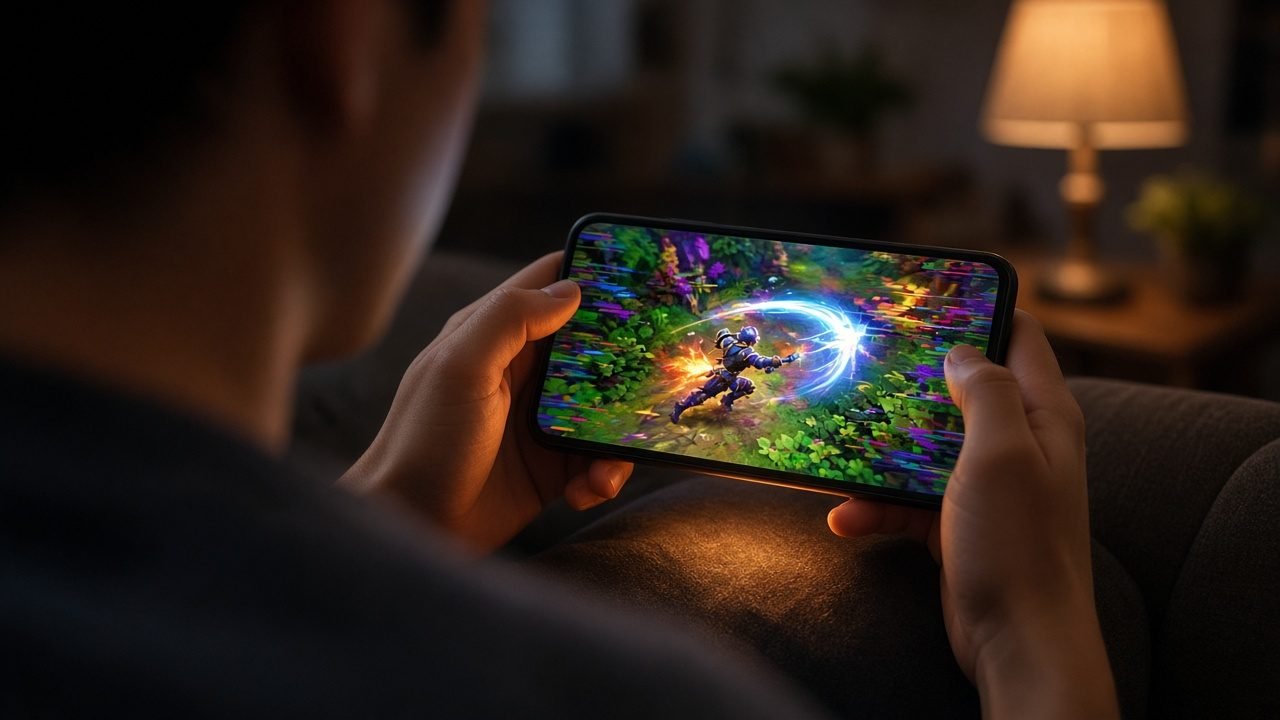
Mobile games are where overheating is most noticeable. When the GPU is throttled, the game can no longer render as many frames per second. You may notice:
- Frame drops: the game falls from a smooth frame rate to a choppy one, often in the middle of a match.
- Unstable frame rates: the frame rate jumps up and down, which feels worse than a steady lower rate.
- Input lag: the game feels less responsive, which matters in competitive shooters and MOBAs.
- Automatic quality reduction: some games lower graphics settings on their own when they detect a hot device.
Because the phone gets hotter the longer you play, many players find that the first match is smooth and the third or fourth is not. Keeping temperatures stable is the key to consistent gaming performance.
4. Your Phone Gets Uncomfortable to Hold
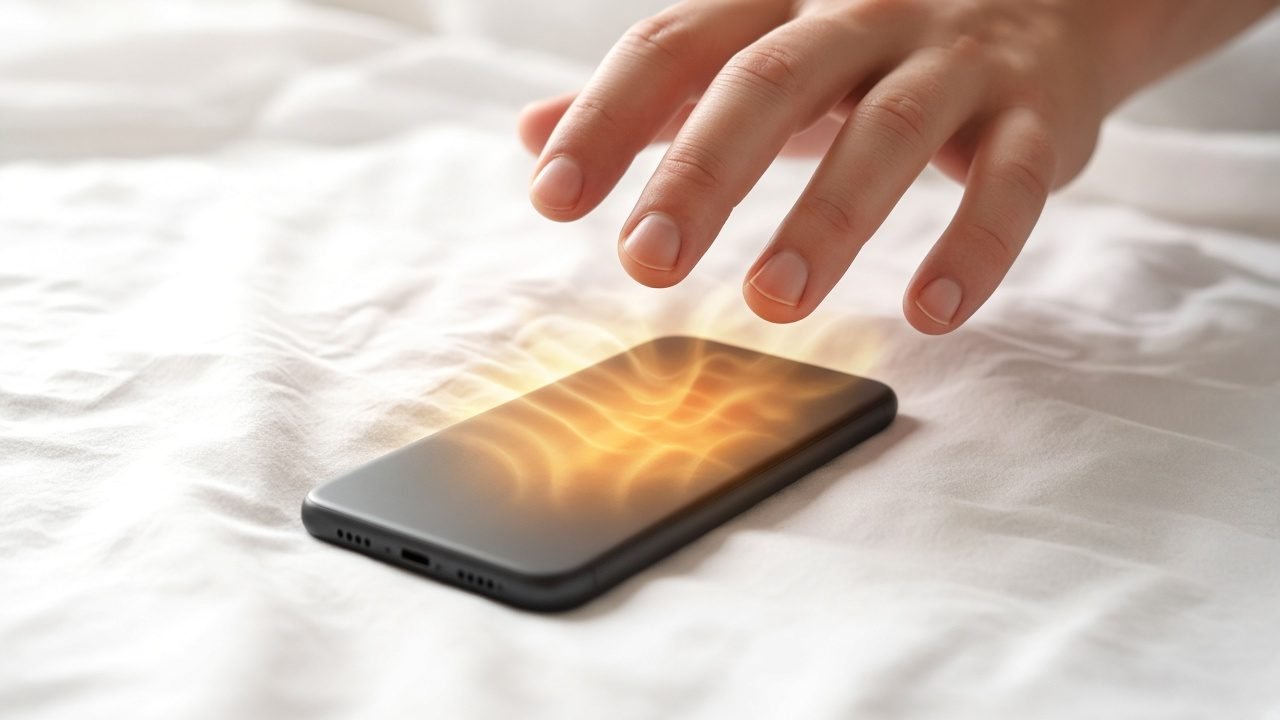
A phone’s metal frame and glass back are designed to spread heat, which also means that heat ends up in your hands. During long gaming sessions, video calls, or navigation, a hot phone becomes unpleasant to hold and sweaty palms make grip worse. It is a simple effect, but it is often the first sign that your phone is running hotter than it should.
Is Phone Overheating Dangerous?
In most cases, a warm phone is normal and not dangerous. Modern phones monitor their own temperature and will throttle performance, dim the display, stop charging, or even show a temperature warning and restrict use to stay within safe limits. The real risks come from repeated or extreme heat: long-term battery wear, and in rare cases a damaged or swollen battery. If your phone gets hot while idle, the battery looks swollen, or the phone shuts down often from heat, stop using it and contact the manufacturer or an authorized repair service.
How to Cool Down Your Phone Quickly
If your phone is already hot, these steps help it cool down safely:
- Stop the heavy task. Pause the game, stop recording, or close the app that is causing the load.
- Unplug the charger. Charging and heavy use together create the most heat.
- Take off the case. This lets heat escape from the back and frame.
- Move out of the sun. Put the phone in the shade or a cooler room.
- Lower screen brightness and turn on low power mode or battery saver.
- Turn off what you don’t need, such as Bluetooth, GPS, or hotspot.
What not to do: never put your phone in the freezer or refrigerator, and don’t press ice directly against it. Sudden temperature changes can cause condensation inside the phone, which can damage the electronics.
How to Cool Down Your Phone While Gaming
Stopping to let your phone cool down is not always an option in the middle of a ranked match or a live stream. To keep your phone cool while gaming, combine good habits with active cooling:
- Choose sensible graphics settings. A stable frame rate at medium settings often feels better than a high setting that throttles after ten minutes.
- Avoid charging during long sessions when possible, or use a cooler that is designed to work while the phone charges.
- Close background apps so the processor only works on the game.
- Play in a cool, shaded place with good airflow.
- Use a phone cooler. A phone cooler attaches to the back of your phone and actively draws heat away from it, so the phone can hold its performance for longer.
What Is a Phone Cooler and How Does It Work?
A phone cooler is a small accessory that attaches to the back of a smartphone to lower its temperature. Basic models use a fan to move air across the phone. More advanced coolers use a semiconductor (TEC) cooling plate that actively draws heat from the phone, with a fan that removes the heat from the other side of the plate. Because the phone stays cooler, it throttles less, which helps keep frame rates and performance more consistent.
Phone Cooling Methods Compared
| Cooling method | How effective is it? | Best for | Limitations |
|---|---|---|---|
| Remove the phone case | Low to moderate | Quick relief at home or on a desk | Leaves the phone unprotected; does not help much in hot weather |
| Lower brightness / low power mode | Low to moderate | Everyday use, navigation, video | Reduces visibility and may limit performance |
| Close background apps and unused features | Low | Reducing idle heat and battery drain | Little effect when a game is the main heat source |
| Stop charging while using the phone | Moderate | Long gaming or streaming sessions | The battery runs down faster |
| Take a break in a cool, shaded place | High (but slow) | Cooling an already overheated phone | You have to stop using the phone |
| Semiconductor phone cooler | High | Mobile gaming, live streaming, outdoor recording | An extra accessory to carry and power |
Which ZEAPON Phone Cooler Is Right for You?
ZEAPON makes magnetic phone coolers for different styles of use. Here is a quick guide to help you choose:
- For cable-free gaming: the ZEAPON JS85 Battery Powered Magnetic Phone Cooler has a built-in 3000mAh battery, semiconductor cooling, and AI temperature control, so you can cool your phone without a power cable.
- For longer cordless sessions: the ZEAPON P40S 4000mAh Cordless Magnetic Phone Cooler uses a larger 4000mAh battery and also supports direct wired operation for extended use.
- For monitoring temperature in real time: the ZEAPON TH12 32W AI Magnetic Phone Cooler and the more powerful ZEAPON TH28 42W AI Magnetic Phone Cooler show temperature and power on a built-in display, and suit demanding gaming and live streaming.
- For smart everyday cooling: the ZEAPON RS2 Smart Magnetic Phone Cooler combines AI temperature control, a real-time display, and three cooling modes.
- For a compact, simple option: the ZEAPON RS1 Magnetic Phone Cooler uses a 7-blade fan with low-noise operation and RGB lighting.
How to Prevent Your Phone from Overheating
- Keep your phone out of direct sunlight and never leave it in a parked car on a hot day.
- Keep your system and apps updated, since updates can fix bugs that cause unnecessary heat.
- Use a thin, breathable case, or remove the case during gaming.
- Use the original charger or a certified one, and avoid charging under pillows or blankets.
- Take short breaks during long gaming or streaming sessions.
- Use a phone cooler if you regularly game, stream, or record video for long periods.
Frequently Asked Questions About Phone Overheating
What happens when your phone gets too hot?
When your phone gets too hot, it lowers processor speed to reduce heat (thermal throttling), which causes lag and frame drops. The battery drains faster and can wear out sooner, charging may slow or stop, the screen may dim, and the phone becomes uncomfortable to hold. In extreme cases it shows a temperature warning until it cools down.
Why does my phone get hot when gaming?
Games push the CPU and GPU hard for long periods while the screen is bright and the network is active. All of these components produce heat. If you are also charging, sitting in the sun, or using a thick case, the phone cannot release heat fast enough and its temperature rises.
Can overheating permanently damage my phone?
Occasional warmth is normal and phones are designed to protect themselves. However, repeated exposure to high temperatures speeds up lithium-ion battery aging, which permanently reduces battery capacity. Apple notes that using a device in very hot conditions can permanently shorten battery life.
Is it safe to put my phone in the fridge to cool it down?
No. Putting a phone in a fridge or freezer can cause condensation inside the device, which may damage its electronics. Instead, stop heavy tasks, unplug the charger, remove the case, and let the phone cool in a shaded, room-temperature place.
Do phone coolers really work?
Yes, a good phone cooler can lower the temperature of the back of your phone and help reduce thermal throttling during long gaming or streaming sessions. Semiconductor (TEC) coolers are generally more effective than fan-only models because they actively draw heat away from the phone.
What temperature is too hot for a phone?
Manufacturers usually specify ambient temperature rather than internal phone temperature. Apple says iPhone is designed for use in ambient temperatures between 0º and 35º C (32º to 95º F). If your phone shows a temperature warning, stops charging, or dims its screen, it is too hot and should be allowed to cool.
Key Takeaways
- Phone overheating happens when your phone produces heat faster than it can release it.
- The four main effects are slower performance, faster battery drain, worse gaming, and a phone that is uncomfortable to hold.
- Thermal throttling protects your phone but reduces speed and frame rates.
- Repeated heat exposure can permanently reduce lithium-ion battery capacity.
- To cool a hot phone, stop heavy tasks, unplug it, remove the case, and move it to the shade. Never use a fridge or freezer.
- For long gaming, streaming, or outdoor recording sessions, a phone cooler such as the ZEAPON phone cooler range helps keep temperatures and performance more stable.